Save anything you reuse
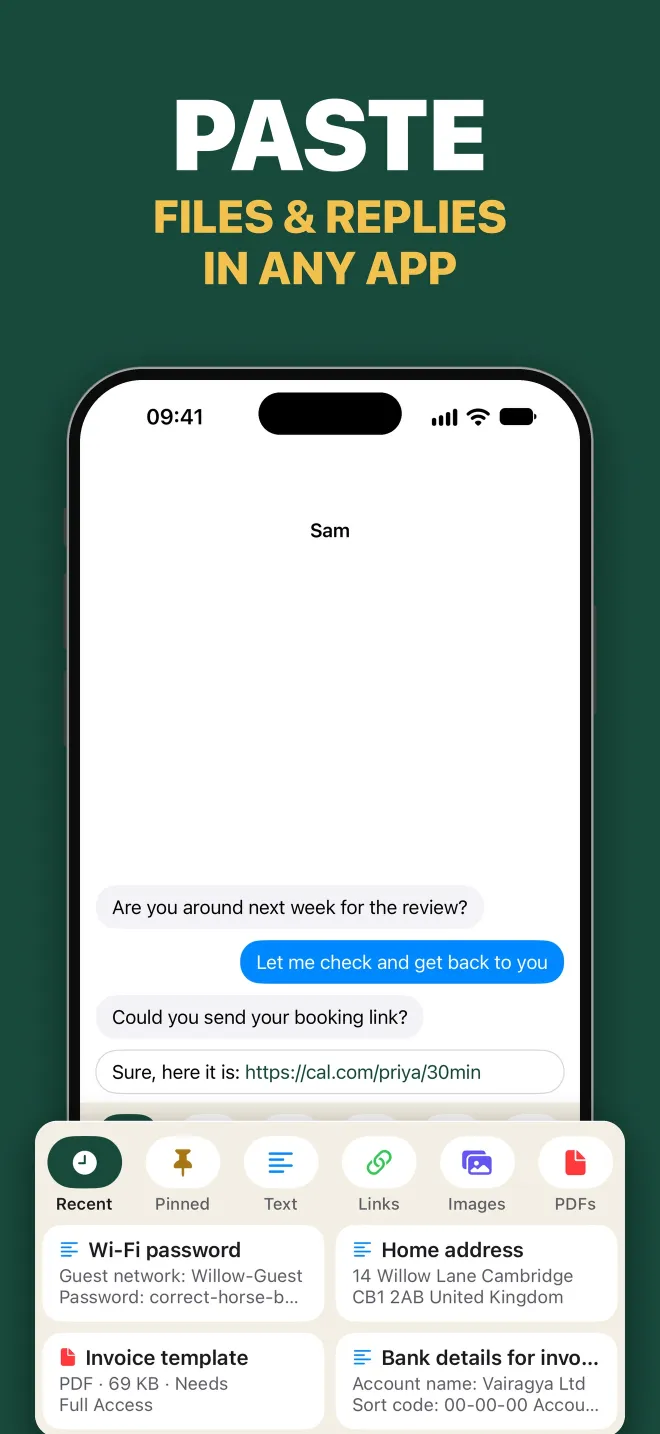
- Text snippets, email replies, addresses and sign-offs
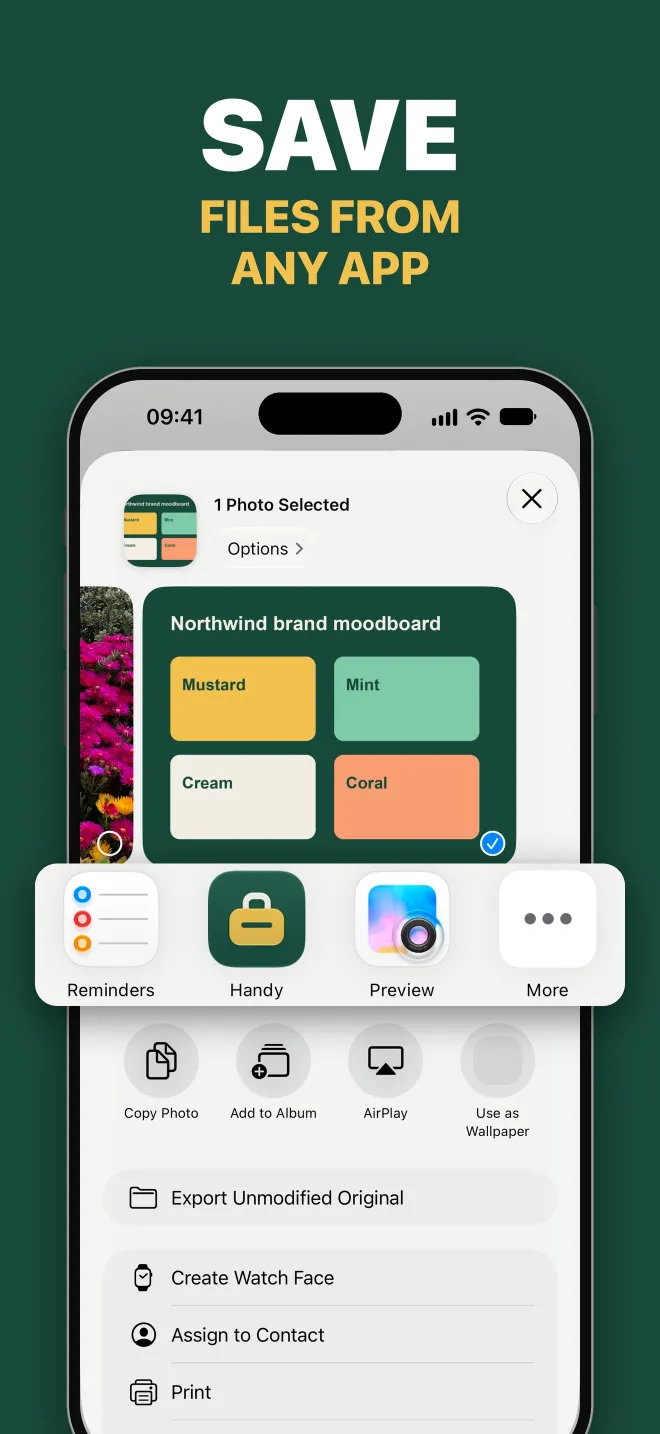
- Links, images, GIFs, short videos, PDFs and other files
- Save from other apps with the Share button, drag in on iPad, or add in Handy
Handy: Snippets & Files
Handy keeps the things you type, paste and send over and over, ready whenever you need them. Save a reply, an address, a link, a photo or a PDF once. Then insert it from the Handy keyboard in any app, or copy and share it from Handy with a tap.
Coming soon to the App Store
See what it does ↓For iPhone and iPad. Free to use, with an optional one-time Pro purchase.
Handy Pro
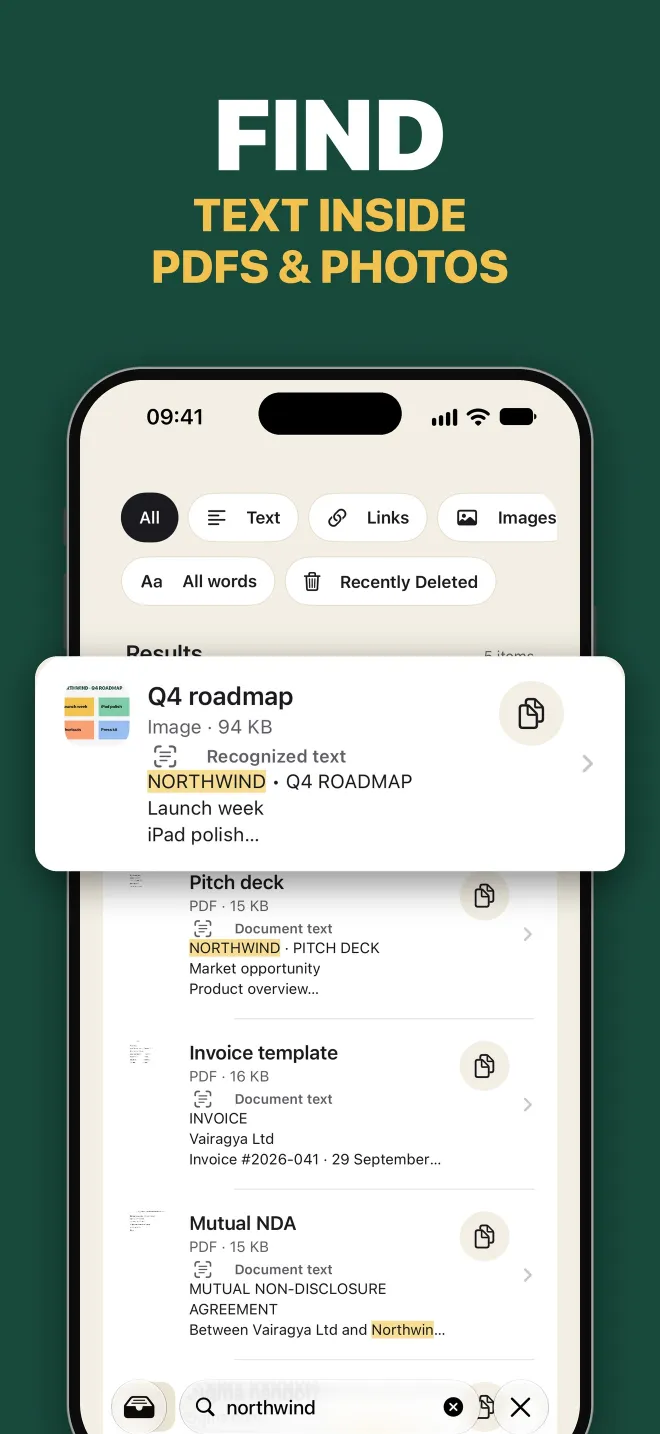
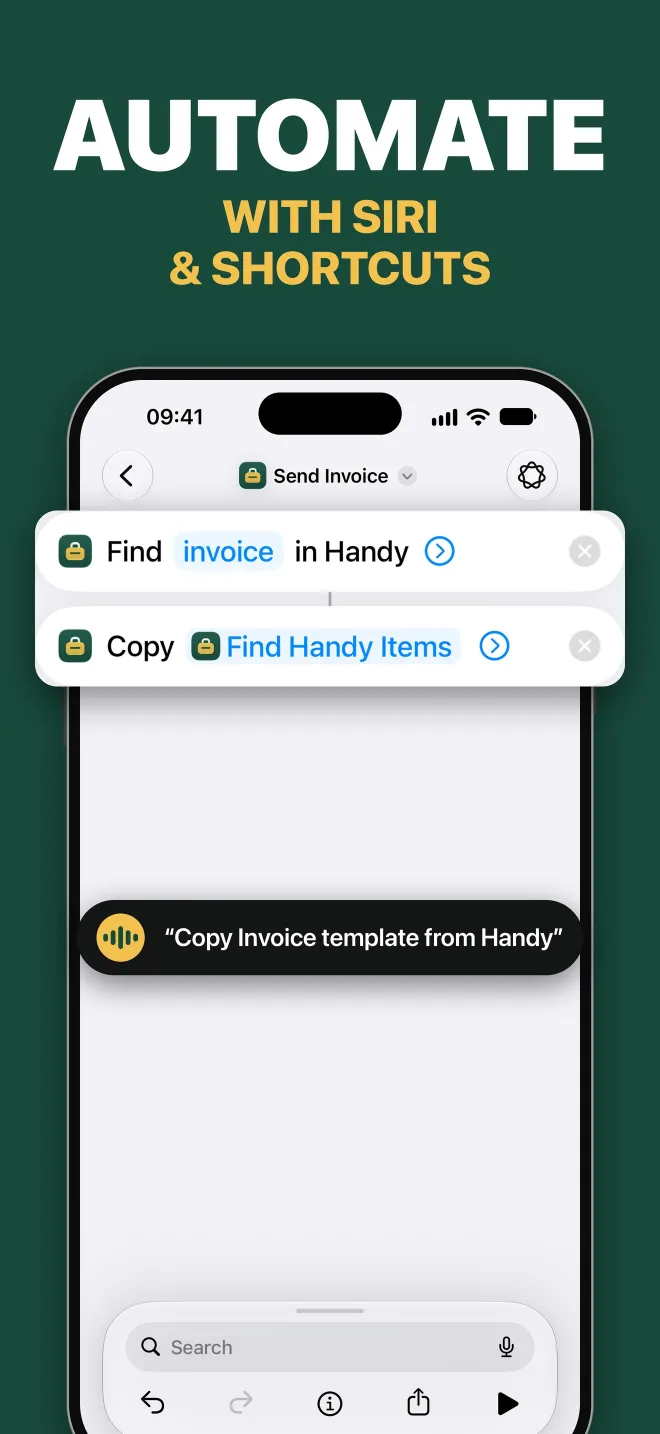
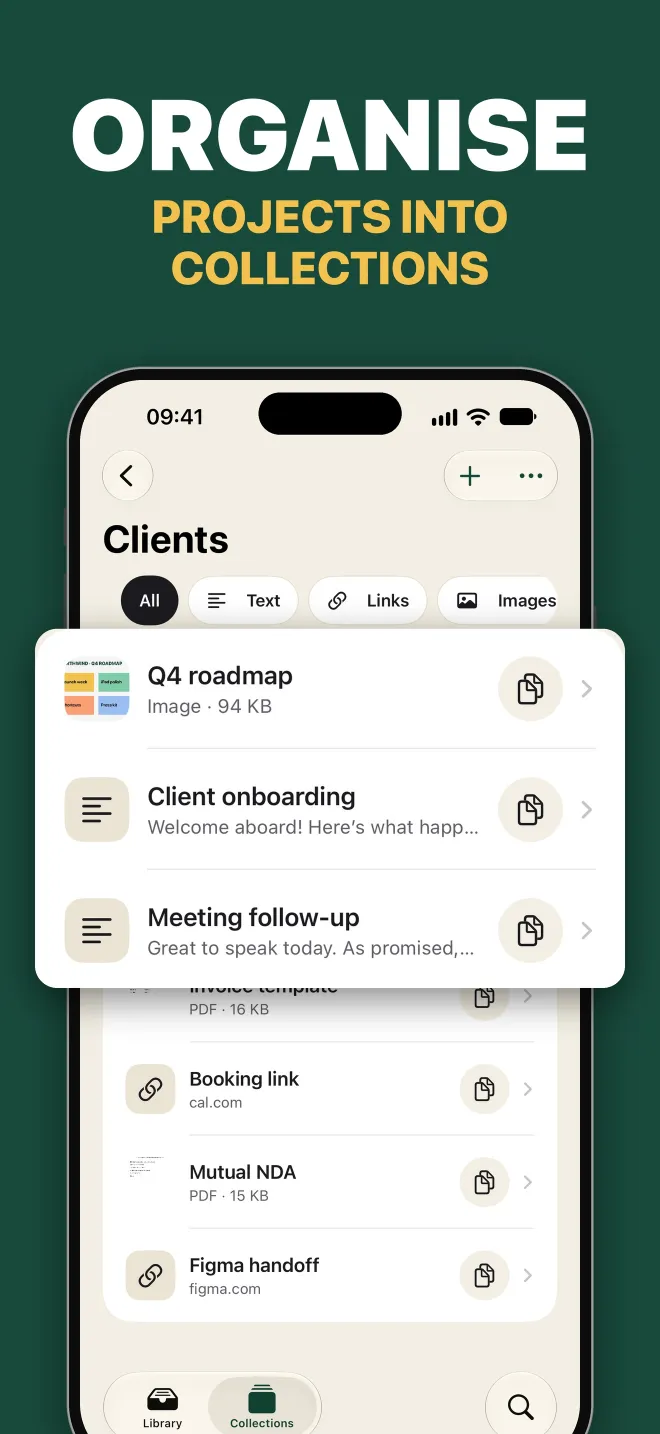
Pro adds unlimited items, larger files and longer videos, collections, Siri and Shortcuts, search inside images and PDFs, on-device suggestions and archive import.
Everything you save stays yours to find, copy, edit and export, with or without Pro. Going over a free limit never locks or deletes what you already have.
| Feature | Free | Pro |
|---|---|---|
| Active items | Up to 20 | Unlimited |
| File size | 10 MB | 50 MB |
| Video length | 15 seconds | 60 seconds |
| Keyboard, share capture, tags and pins | ✓ | ✓ |
| iCloud sync and library export | ✓ | ✓ |
| Collections | – | ✓ |
| Siri and Shortcuts | – | ✓ |
| Search inside images and PDFs | – | ✓ |
| On-device organisation suggestions | – | ✓ |
| Library archive import | – | ✓ |
No. Handy works without signing up. Your library is stored on your device, and Vairagya doesn’t run a server that stores it.
No. Handy saves only what you choose to save. The keyboard inserts your saved items; it doesn’t record your typing or send it anywhere.
Only to copy images and PDFs. Saved text and links can be inserted without it, and you can turn Full Access off at any time in iOS Settings.
No. Pro is a single purchase with no renewal. If you ever go over the free limits, you can still open, copy, edit, delete and export everything you’ve saved.
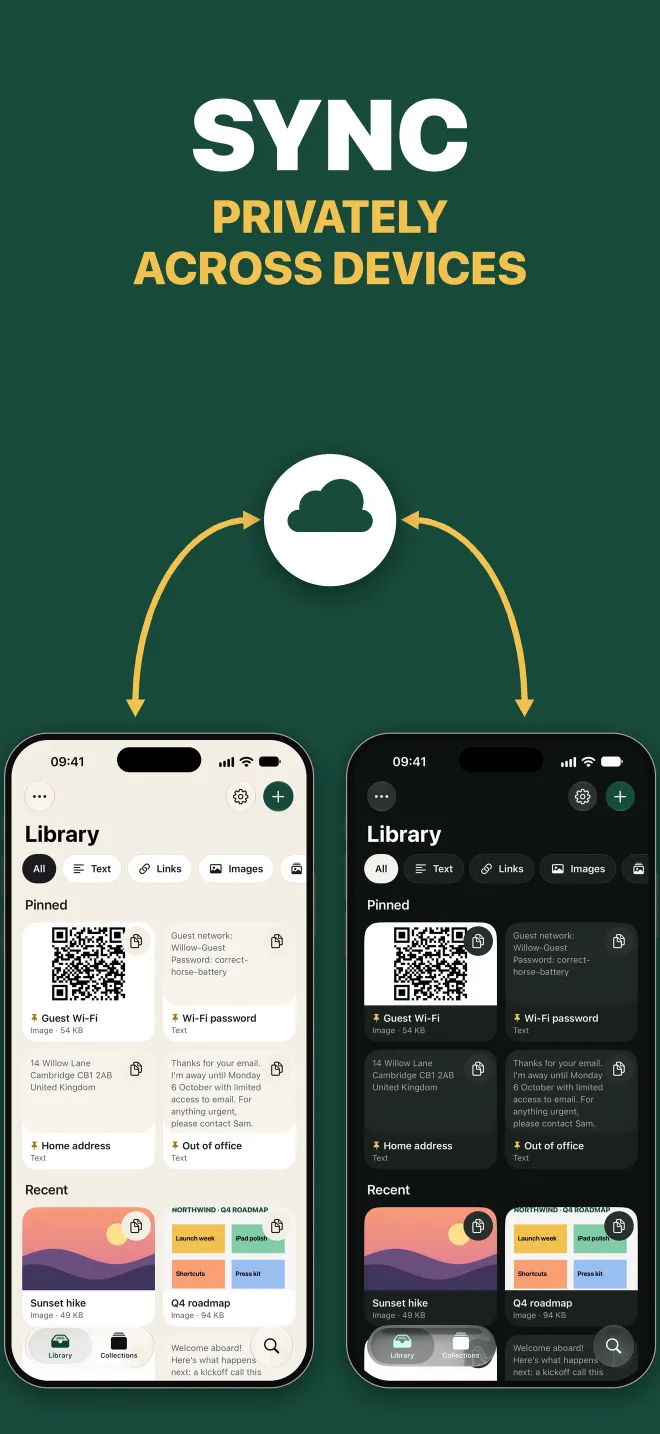
Turn on iCloud sync and Handy keeps your iPhone and iPad in step through your own private iCloud. Sync isn’t a backup, so export anything important too.
Open Settings in Handy and tap Restore Purchases while signed in with the Apple Account you bought it with. Restoring needs an internet connection.
Still stuck, or have an idea? Email apps@vairagya.co and we’ll get back to you.